 Education
Digital Accessibility: 5 Tips for Inclusive Social Media
Transform Your Social Media into Truly Inclusive Spaces for Everyone
Learn how to make your social media accessible and inclusive for a wider audience. With 5 practical tips from Turma do Jiló, you can ensure no one misses out on your content. Discover how to apply simple language, alternative text, and captions for greater engagement.
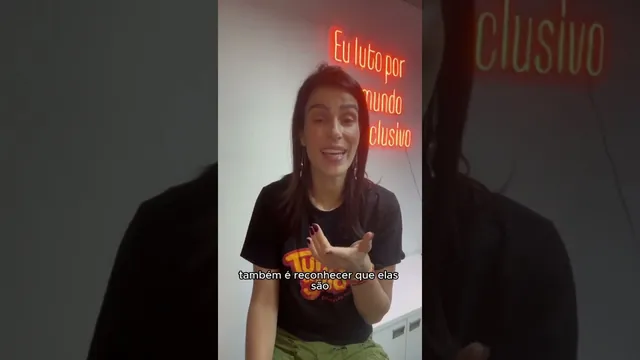
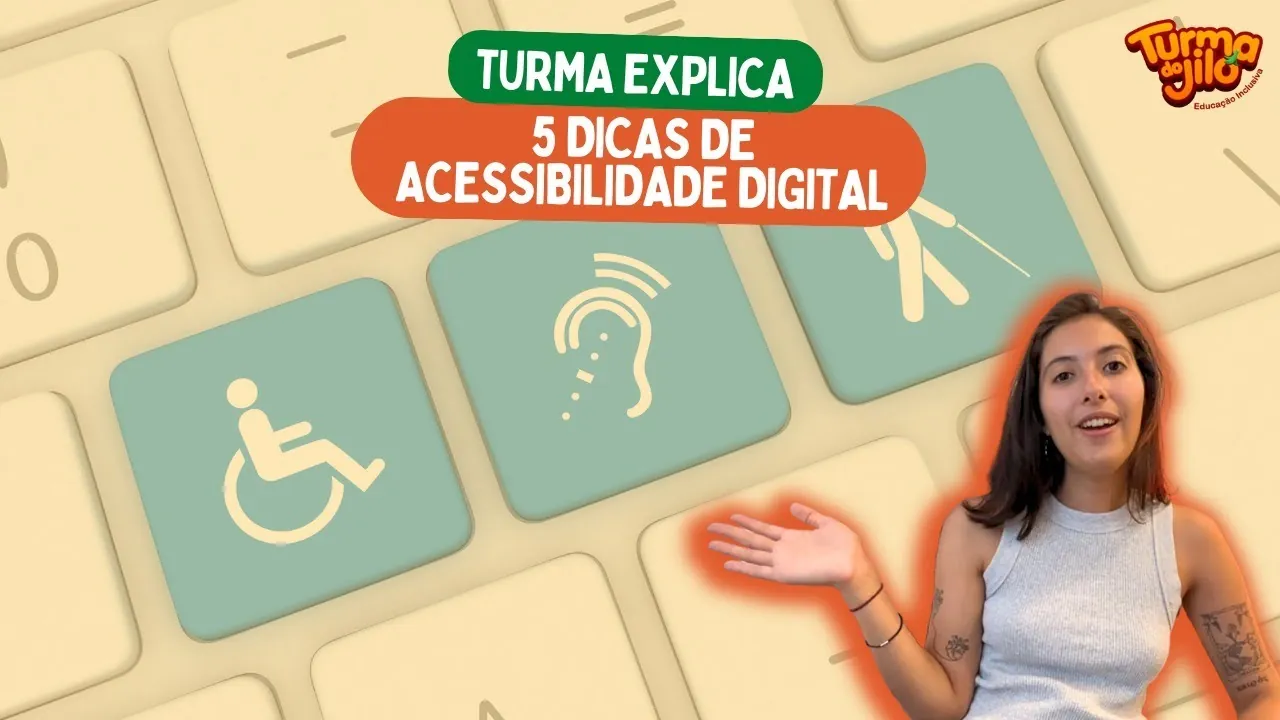
Hello, everyone! This is Laura from the Turma do Jiló communications team, and today we're diving into the world of digital accessibility on social media. To start, I'll do my self-description, an essential accessibility feature: I am a white woman with short, brown hair, wearing black earrings with a silver flower and a gray tank top. I have tattoos on my arm and am in the Turma do Jiló office, with an orange LED panel to the left that reads "I fight for a more inclusive world" and the Turma do Jiló logo to the right.
Digital accessibility is not just an option; it's a necessity and a duty for all content creators. By making your content accessible, you not only provide a better experience for everyone but also broaden your audience, increase engagement, and boost visibility. Furthermore, it positions you as a brand or individual who cares about inclusion, setting you apart from the competition. No one should be left out!
PUBLICIDADE (GAM) — 1250x250
Why Digital Accessibility Is Crucial?
Ensuring that everyone can consume your content, regardless of their abilities, is at the heart of digital accessibility. By investing in it, you reap several benefits:
- Wider Audience: Your content reaches more people.
- Increased Engagement: More interactions and participation.
- Visibility and Positioning: You become a reference in inclusion.
- Competitive Advantage: You stand out in the market.
It's essential to avoid ableist content that limits access and excludes part of the audience.
Practical Tips for Inclusive Content
Here are 5 essential tips (plus a bonus!) to make your social media truly accessible:
1. Use Simple and Objective Language
Simple language is direct, free of complex slang or technical terms that might cause confusion. Avoid mixing languages (like English and Portuguese) in sentences. It facilitates understanding for people with cognitive or learning difficulties.
- Emojis: Prefer image emojis (like 😊 or 👍) instead of punctuation symbols (like :) or :D). Screen readers can better interpret image emojis, ensuring that the emotion or context is conveyed correctly.
2. Smart Hashtags (CamelCase)
Always capitalize the first letter of each word in hashtags (e.g., #DigitalAccessibility). This is known as CamelCase. It greatly facilitates reading for screen readers, which can pronounce the words correctly. Even if the social network tries to correct it, maintain the standard to ensure accessibility.
3. Alternative Text (Alt Text) for Images
Alternative text describes what appears in static images, such as photos and carousels. On Instagram, you'll find it in the "advanced settings" when publishing. Describe the image briefly and accurately: what's happening, colors, main elements.
- #ForEveryoneToSee: For other social media platforms or for videos where there is no alt text tool, use the hashtag #ForEveryoneToSee in the caption, followed by a detailed description. This allows people with visual impairments to understand the visual content.
4. Video Captions and LIBRAS Interpreters
Captioning your videos is crucial! This not only helps people with hearing impairments but also those watching on a bus, in noisy environments, or with difficulty concentrating. Many watch videos on mute and rely on captions.
- Resources: Some platforms already offer automatic captions. If not, use apps like CapCut or others that generate captions. Considering the inclusion of a LIBRAS interpreter, like Talita here on the channel, further enhances your content's accessibility.
5. Transcriptions for Audio
When uploading audio, offer written transcriptions. These are vital for people with hearing impairments and also for those who cannot listen to the audio at the moment.
- Good Transcription: Include not only what is said but also descriptions of sound effects and ambient noises, references to who is speaking, and the tone of voice.
Bonus: The Power of Color Contrast
Many texts become unreadable with low contrast. Avoid color combinations that make reading difficult (e.g., purple text on a dark blue background). Prioritize high-contrast solid colors for the background and use black or white text. Always test to ensure readability.
Digital accessibility is a continuous journey and an act of respect. These tips are just the beginning. If you want more content about terms, types of accessibility, and how to make your own content even more inclusive, comment and ask Turma do Jiló! Like, comment, and please share this video. Together, we can build a digital environment where no one is left behind, whether on Threads, X (formerly Twitter), Instagram, or TikTok.
Oh, and did you know that Turma do Jiló has a mutual aid project? By participating in our courses, you gain knowledge and help public schools through our inclusive education program. Don't waste time, click on our links to learn more!
PUBLICIDADE (GAM) — 1250x250